AI Webinar Promo Video Creator
Webinar promo videos are short marketing assets designed to drive registration for upcoming webinars by communicating the topic, speakers, and value proposition in a visually compelling format. GoToWebinar data reveals that promotional videos increase webinar registration rates by 19% compared to email-only promotion, and webinars with video promos see 34% higher attendance rates. AI promo creation enables marketing teams to produce unique promotional assets for every webinar instead of reusing generic templates, significantly improving audience acquisition efficiency.
Benefits
Higher Registration Rates
Video promos in email and social consistently outperform static graphics in driving webinar sign-ups.
Communicate Value Instantly
Show what attendees will learn and experience in seconds - far more compelling than a text description or bullet list.
Speaker Spotlight Content
Generate individual speaker highlight videos that leverage each expert's credibility to attract their niche audience.
Multi-Channel Distribution
Create platform-specific versions - horizontal for email and LinkedIn, vertical for Instagram and TikTok - from the same content.
Examples
Marketing Strategy Webinar
A marketing agency promotes their quarterly strategy webinar to attract business owners.
Prompt: "A confident marketing expert standing in front of a presentation screen showing growth charts, the screen cycling through social media analytics, email campaign metrics, and conversion funnels, audience members taking notes in a modern conference room, professional and informative atmosphere, knowledge being shared"
Product Training Webinar
A SaaS company promotes a webinar teaching advanced features of their platform.
Prompt: "A laptop screen showing a complex software interface, hands clicking through advanced features with visual highlights appearing on key buttons, a split screen showing a friendly instructor explaining on one side and the software demo on the other, clean tech aesthetic, educational and engaging"
Industry Trends Panel Webinar
A trade association promotes a panel discussion featuring industry leaders.
Prompt: "Three professionals seated on a modern stage with a large screen behind them showing industry trend graphics, engaged discussion with animated hand gestures, an audience of professionals watching attentively, thought leadership event atmosphere, sleek corporate design"
How It Works
Step 1: Enter Webinar Details
Provide the topic, date, speakers, and 3-5 key takeaways that attendees will gain.
Step 2: Generate Promo Visuals
Artiroom creates a dynamic promo showing the topic in action, speaker contexts, and visual representations of the knowledge to be shared.
Step 3: Add Details and Distribute
Overlay the date, time, registration link, and speaker names. Export for email, social media, and your webinar landing page.
Frequently Asked Questions
How far before the webinar should I publish the promo video?
Start promoting 2-3 weeks before the event. Send the video in your initial announcement email, share on social media weekly, and use it in a final reminder 24-48 hours before the webinar.
What should I include in a webinar promo video?
Lead with the key benefit (what attendees will learn), show the speaker's credibility, list 2-3 specific takeaways, include the date and time, and end with a clear registration CTA. Keep it under 30 seconds.
Can I create different promo versions for different audience segments?
Yes. Generate variations that emphasize different aspects - technical depth for developers, business outcomes for executives - while promoting the same webinar to maximize registrations across segments.
Can I repurpose webinar promo videos after the event?
Absolutely. Swap the CTA from 'Register now' to 'Watch the replay' and continue distributing the promo to drive on-demand views long after the live event.
How do webinar promo videos perform compared to banner images?
Video promos consistently outperform static banners with higher click-through rates, longer time-on-page, and better conversion to registration. The difference is most significant in email campaigns and LinkedIn posts.
AI Webinar Promo Video Creator
Fill every webinar seat with professional promo videos that communicate your topic's value and urgency in seconds.
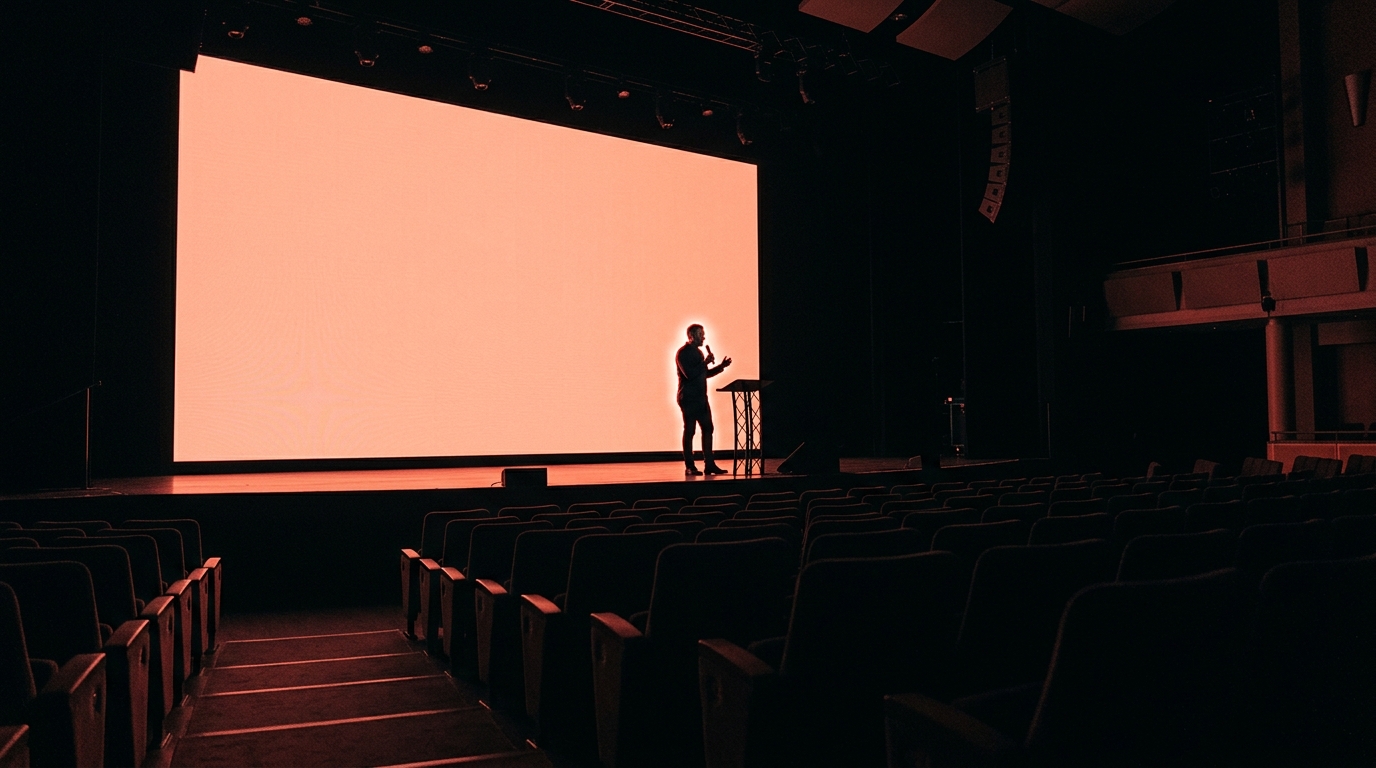
Webinar promo videos are short marketing assets designed to drive registration for upcoming webinars by communicating the topic, speakers, and value proposition in a visually compelling format. GoToWebinar data reveals that promotional videos increase webinar registration rates by 19% compared to email-only promotion, and webinars with video promos see 34% higher attendance rates. AI promo creation enables marketing teams to produce unique promotional assets for every webinar instead of reusing generic templates, significantly improving audience acquisition efficiency.
Why Webinar Promos with Artiroom
Key benefits of using AI-powered video generation for this use case
Higher Registration Rates
Video promos in email and social consistently outperform static graphics in driving webinar sign-ups.
Communicate Value Instantly
Show what attendees will learn and experience in seconds - far more compelling than a text description or bullet list.
Speaker Spotlight Content
Generate individual speaker highlight videos that leverage each expert's credibility to attract their niche audience.
Multi-Channel Distribution
Create platform-specific versions - horizontal for email and LinkedIn, vertical for Instagram and TikTok - from the same content.
Example Prompts
Marketing Strategy Webinar
A marketing agency promotes their quarterly strategy webinar to attract business owners.
"A confident marketing expert standing in front of a presentation screen showing growth charts, the screen cycling through social media analytics, email campaign metrics, and conversion funnels, audience members taking notes in a modern conference room, professional and informative atmosphere, knowledge being shared"
Product Training Webinar
A SaaS company promotes a webinar teaching advanced features of their platform.
"A laptop screen showing a complex software interface, hands clicking through advanced features with visual highlights appearing on key buttons, a split screen showing a friendly instructor explaining on one side and the software demo on the other, clean tech aesthetic, educational and engaging"
Industry Trends Panel Webinar
A trade association promotes a panel discussion featuring industry leaders.
"Three professionals seated on a modern stage with a large screen behind them showing industry trend graphics, engaged discussion with animated hand gestures, an audience of professionals watching attentively, thought leadership event atmosphere, sleek corporate design"
Step by step
How it works
Enter Webinar Details
Provide the topic, date, speakers, and 3-5 key takeaways that attendees will gain.
Generate Promo Visuals
Artiroom creates a dynamic promo showing the topic in action, speaker contexts, and visual representations of the knowledge to be shared.
Add Details and Distribute
Overlay the date, time, registration link, and speaker names. Export for email, social media, and your webinar landing page.
Related Use Cases
Create Event Promo Videos with AI
Build anticipation and drive registrations with visually stunning event promo videos - from conferences to product launches.
AI Course Trailer Creator
Preview your online course with a cinematic trailer that showcases your curriculum, teaching style, and the transformation students will experience.
AI LinkedIn Video Creator
Build thought leadership and grow your professional network with polished LinkedIn video content that drives engagement and connections.
FAQ