AI App Demo Video Creator
App demo videos are visual walkthroughs that showcase a mobile or web application's interface, features, and user experience to drive downloads, signups, or enterprise adoption. StoreMaven research shows that app store listings with demo videos convert at 25-30% higher rates than those with screenshots alone, and Google Play reports that apps with video previews see 3x more installs from the store listing page. AI app demo creation enables development teams to produce marketing-quality demo videos without pulling engineers into recording sessions or waiting for pixel-perfect builds, even creating demos for features still under development.
Benefits
Higher App Store Conversions
App store listings with video previews dramatically outperform screenshot-only listings in driving installs.
Demo Pre-Release Features
Showcase features before they ship to build excitement, gather feedback, and support marketing campaigns ahead of launch.
No Engineering Dependency
Create polished demo videos without pulling developers into screen recording sessions or waiting for stable builds.
Multi-Platform Showcase
Generate demos showing your app on different devices - iPhone, Android, tablet, desktop - for platform-specific marketing.
Examples
Fitness App Store Preview
A fitness startup creates an App Store preview video showing their workout tracking experience.
Prompt: "A smartphone screen showing a clean fitness app interface, a user tapping to start a workout, animated exercise demonstrations appearing on screen, a progress bar filling up during the session, ending with a workout summary showing calories, time, and personal records, the phone held in hand against a gym background, energetic and motivating app experience"
Productivity App Walkthrough
A task management app shows how quickly users can organize their entire workday.
Prompt: "A laptop displaying a cluttered email inbox, then opening the productivity app which automatically sorts tasks by priority, dragging and dropping tasks into time blocks on a clean calendar view, receiving a smart notification about the next task, the day view showing a perfectly organized schedule, clean minimalist UI on a tidy desk, control and clarity"
Social App Feature Demo
A social networking app demonstrates their unique messaging features to attract new users.
Prompt: "A smartphone showing a colorful social app feed with posts from friends, tapping into a chat that shows animated reactions floating up, sending a voice message that visualizes as a waveform, creating a group event invite with a map and RSVP buttons, the phone surrounded by real-world context of someone on a couch at home, connected and fun social experience"
How It Works
Step 1: Describe Your App Experience
Outline the key user flows, standout features, and the core value proposition your app delivers to users.
Step 2: Generate User Flow Scenes
Artiroom creates realistic app interface scenes showing a user navigating through your key features and experiencing the value firsthand.
Step 3: Polish for Distribution
Add device frames, feature callouts, and CTAs. Export for the App Store, Google Play, your website, and social media ads.
Frequently Asked Questions
Can I create app demo videos before my app is fully built?
Yes. This is one of the most valuable use cases. Generate realistic interface demonstrations from wireframes, mockups, or descriptions to use in pitch decks, app store submissions, and pre-launch marketing.
What is the right format for App Store and Google Play preview videos?
Apple requires 15-30 second videos in the exact device resolution. Google Play recommends 30 seconds to 2 minutes. Artiroom exports in standard formats that you can adapt for each store's specific requirements.
How do I show the app experience without using actual screenshots?
Describe the interface layout, color scheme, key interactions, and user flow in your prompt. Artiroom generates representative app screens that communicate the experience without needing actual screenshots or screen recordings.
Can I create different demo videos for different user segments?
Yes. Generate demos that emphasize different features or use cases for different audiences - show fitness features for health-conscious users, meal planning for nutrition-focused users - from the same app.
Should I include a device frame in my app demo video?
For app store listings, showing the app in a device frame adds realism and context. For social media ads, full-screen presentations without frames can be more impactful. Create both versions to cover all distribution channels.
AI App Demo Video Creator
Showcase your app's features and user experience with polished demo videos that drive downloads, signups, and user activation.
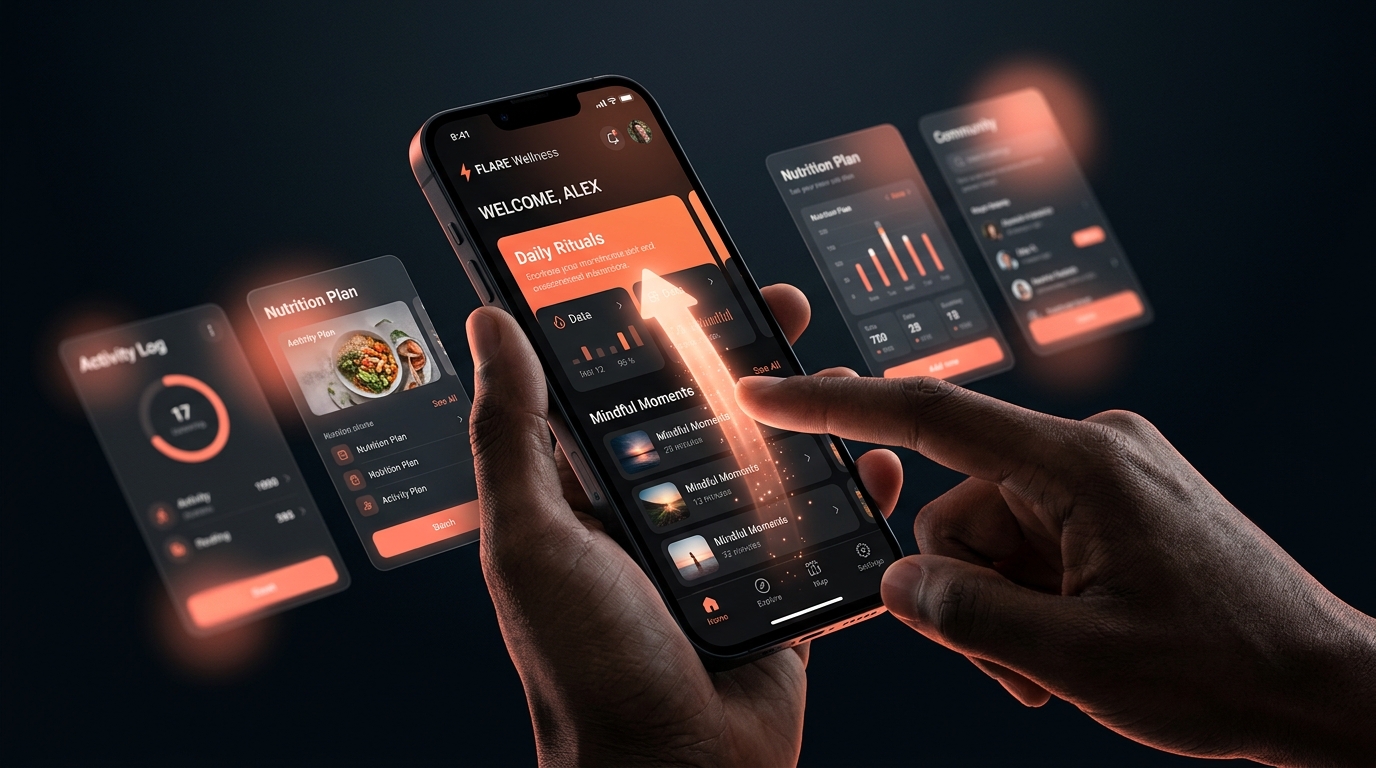
App demo videos are visual walkthroughs that showcase a mobile or web application's interface, features, and user experience to drive downloads, signups, or enterprise adoption. StoreMaven research shows that app store listings with demo videos convert at 25-30% higher rates than those with screenshots alone, and Google Play reports that apps with video previews see 3x more installs from the store listing page. AI app demo creation enables development teams to produce marketing-quality demo videos without pulling engineers into recording sessions or waiting for pixel-perfect builds, even creating demos for features still under development.
Why App Demo Videos with Artiroom
Key benefits of using AI-powered video generation for this use case
Higher App Store Conversions
App store listings with video previews dramatically outperform screenshot-only listings in driving installs.
Demo Pre-Release Features
Showcase features before they ship to build excitement, gather feedback, and support marketing campaigns ahead of launch.
No Engineering Dependency
Create polished demo videos without pulling developers into screen recording sessions or waiting for stable builds.
Multi-Platform Showcase
Generate demos showing your app on different devices - iPhone, Android, tablet, desktop - for platform-specific marketing.
Example Prompts
Fitness App Store Preview
A fitness startup creates an App Store preview video showing their workout tracking experience.
"A smartphone screen showing a clean fitness app interface, a user tapping to start a workout, animated exercise demonstrations appearing on screen, a progress bar filling up during the session, ending with a workout summary showing calories, time, and personal records, the phone held in hand against a gym background, energetic and motivating app experience"
Productivity App Walkthrough
A task management app shows how quickly users can organize their entire workday.
"A laptop displaying a cluttered email inbox, then opening the productivity app which automatically sorts tasks by priority, dragging and dropping tasks into time blocks on a clean calendar view, receiving a smart notification about the next task, the day view showing a perfectly organized schedule, clean minimalist UI on a tidy desk, control and clarity"
Social App Feature Demo
A social networking app demonstrates their unique messaging features to attract new users.
"A smartphone showing a colorful social app feed with posts from friends, tapping into a chat that shows animated reactions floating up, sending a voice message that visualizes as a waveform, creating a group event invite with a map and RSVP buttons, the phone surrounded by real-world context of someone on a couch at home, connected and fun social experience"
Step by step
How it works
Describe Your App Experience
Outline the key user flows, standout features, and the core value proposition your app delivers to users.
Generate User Flow Scenes
Artiroom creates realistic app interface scenes showing a user navigating through your key features and experiencing the value firsthand.
Polish for Distribution
Add device frames, feature callouts, and CTAs. Export for the App Store, Google Play, your website, and social media ads.
Related Use Cases
AI Product Demo Creator
Transform product descriptions into polished demo videos that highlight every feature, angle, and use case - no camera crew required.
AI Explainer Video Creator
Break down complex ideas into clear, visually engaging explainer videos that educate your audience and drive action.
AI Onboarding Video Creator
Accelerate time-to-value for new users and employees with visual onboarding walkthroughs that reduce support tickets and churn.
FAQ