AI Onboarding Video Creator
Onboarding videos are guided visual walkthroughs designed to help new users, customers, or employees become productive with a product, service, or workplace as quickly as possible. Wyzowl research shows that 86% of consumers say onboarding video content makes them more likely to stay loyal to a product, and companies with structured onboarding see 50% greater new-hire retention. AI onboarding video creation enables product and HR teams to maintain up-to-date visual guides without the recurring cost of re-recording whenever interfaces or processes change.
Benefits
Reduce Support Tickets
Proactive visual onboarding answers common questions before users need to contact support, reducing ticket volume by up to 30%.
Consistent Training Quality
Every new user or employee gets the same high-quality walkthrough regardless of who onboards them.
Quick Updates for Product Changes
Regenerate specific scenes when your product or process changes instead of re-recording the entire video.
Scalable for Global Teams
Create onboarding content that works across time zones and languages with visual-first instruction.
Examples
SaaS Product Onboarding Flow
A project management tool creates a welcome video showing new users how to set up their first project.
Prompt: "A person sitting at a clean desk opening a laptop to a welcome screen, clicking to create a new project, typing a project name and adding team members from a list, dragging tasks into columns on a kanban board, a notification popping up showing a teammate's first comment, clean modern SaaS interface, friendly and guided feeling"
New Employee Office Tour
A company creates a virtual office tour for remote-first new hires.
Prompt: "Walking through the front entrance of a modern office building, past a reception desk with a friendly wave, through an open workspace with labeled team areas, into a bright kitchen and lounge area, then a quiet focus room with pods, ending in a meeting room with a video screen showing remote colleagues waving, welcoming and inclusive atmosphere"
E-Commerce Seller Onboarding
A marketplace platform shows new sellers how to list their first product.
Prompt: "A person at a desk photographing a handmade product with a ring light, then uploading photos to a clean seller dashboard, filling in product details and pricing on the screen, clicking publish and seeing the live listing appear, a notification showing the first sale, encouraging and step-by-step progression"
How It Works
Step 1: Map the Onboarding Journey
List the key actions a new user or employee must complete to become successful. Prioritize the critical first steps.
Step 2: Generate Walkthrough Scenes
Artiroom creates visual demonstrations of each step, showing interfaces, environments, and actions in logical sequence.
Step 3: Add Context and Deploy
Include text callouts, numbered steps, and tips. Deploy videos in your product, LMS, or company wiki for seamless access.
Frequently Asked Questions
How do onboarding videos reduce customer churn?
Users who complete onboarding successfully are significantly less likely to churn. Video-based onboarding accelerates time-to-value - the faster users experience your product's core benefit, the more likely they are to become long-term customers.
Can I create onboarding videos for both customers and employees?
Yes. The process is the same. Customer onboarding focuses on product activation steps, while employee onboarding covers tools, processes, and culture. Both benefit from clear visual walkthroughs.
How often should I update onboarding videos?
Update when significant UI changes, new features, or process changes would make the existing video confusing. With AI, you only need to regenerate the affected scenes rather than refilming everything.
What is the ideal length for an onboarding video?
Break onboarding into 60-90 second segments covering one task each. A full onboarding series of 3-5 short videos outperforms a single long video because users can reference specific steps when needed.
Can I embed onboarding videos directly in my product?
Yes. Export from Artiroom in MP4 format, host on any video platform, and embed directly in your product's onboarding flow, help center, or tooltips for in-context guidance.
AI Onboarding Video Creator
Accelerate time-to-value for new users and employees with visual onboarding walkthroughs that reduce support tickets and churn.
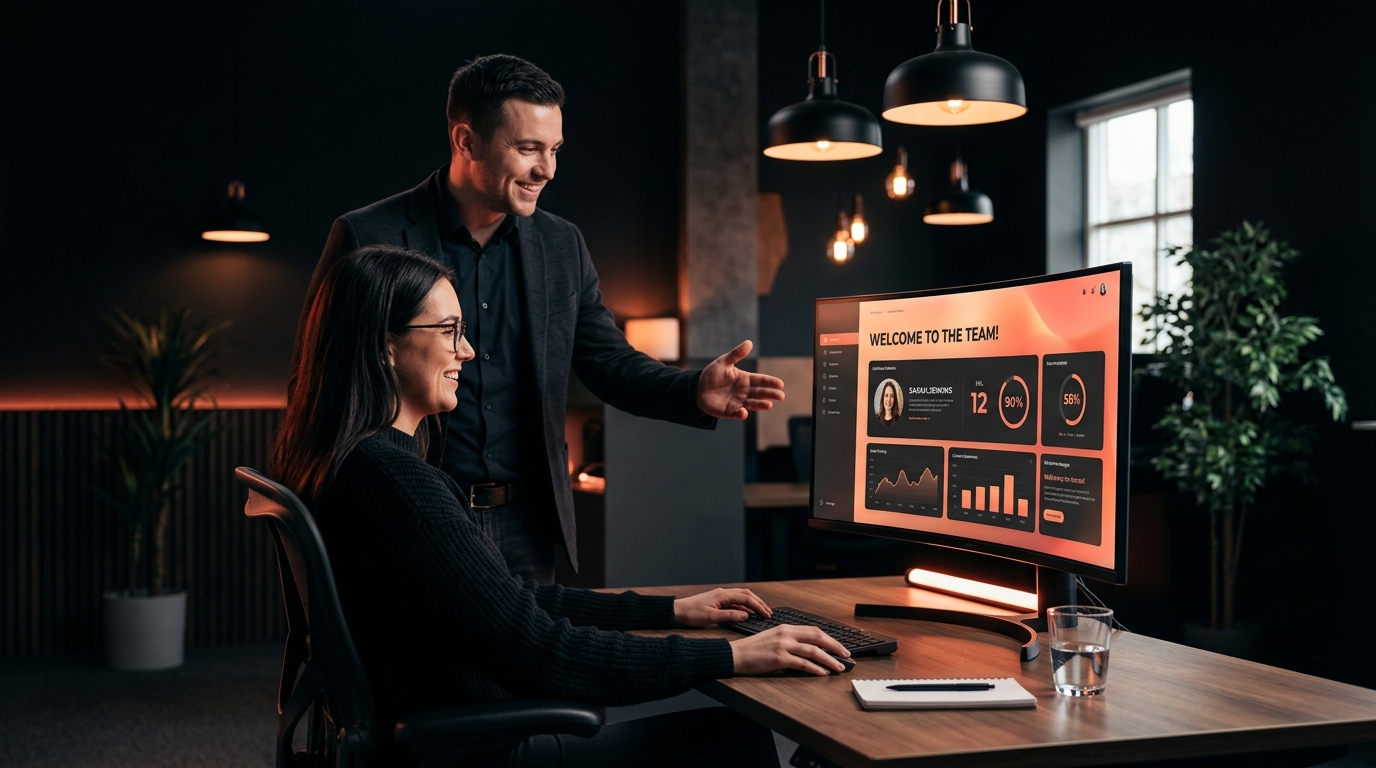
Onboarding videos are guided visual walkthroughs designed to help new users, customers, or employees become productive with a product, service, or workplace as quickly as possible. Wyzowl research shows that 86% of consumers say onboarding video content makes them more likely to stay loyal to a product, and companies with structured onboarding see 50% greater new-hire retention. AI onboarding video creation enables product and HR teams to maintain up-to-date visual guides without the recurring cost of re-recording whenever interfaces or processes change.
Why Onboarding Videos with Artiroom
Key benefits of using AI-powered video generation for this use case
Reduce Support Tickets
Proactive visual onboarding answers common questions before users need to contact support, reducing ticket volume by up to 30%.
Consistent Training Quality
Every new user or employee gets the same high-quality walkthrough regardless of who onboards them.
Quick Updates for Product Changes
Regenerate specific scenes when your product or process changes instead of re-recording the entire video.
Scalable for Global Teams
Create onboarding content that works across time zones and languages with visual-first instruction.
Example Prompts
SaaS Product Onboarding Flow
A project management tool creates a welcome video showing new users how to set up their first project.
"A person sitting at a clean desk opening a laptop to a welcome screen, clicking to create a new project, typing a project name and adding team members from a list, dragging tasks into columns on a kanban board, a notification popping up showing a teammate's first comment, clean modern SaaS interface, friendly and guided feeling"
New Employee Office Tour
A company creates a virtual office tour for remote-first new hires.
"Walking through the front entrance of a modern office building, past a reception desk with a friendly wave, through an open workspace with labeled team areas, into a bright kitchen and lounge area, then a quiet focus room with pods, ending in a meeting room with a video screen showing remote colleagues waving, welcoming and inclusive atmosphere"
E-Commerce Seller Onboarding
A marketplace platform shows new sellers how to list their first product.
"A person at a desk photographing a handmade product with a ring light, then uploading photos to a clean seller dashboard, filling in product details and pricing on the screen, clicking publish and seeing the live listing appear, a notification showing the first sale, encouraging and step-by-step progression"
Step by step
How it works
Map the Onboarding Journey
List the key actions a new user or employee must complete to become successful. Prioritize the critical first steps.
Generate Walkthrough Scenes
Artiroom creates visual demonstrations of each step, showing interfaces, environments, and actions in logical sequence.
Add Context and Deploy
Include text callouts, numbered steps, and tips. Deploy videos in your product, LMS, or company wiki for seamless access.
Related Use Cases
AI Explainer Video Creator
Break down complex ideas into clear, visually engaging explainer videos that educate your audience and drive action.
AI Tutorial Video Creator
Produce clear, step-by-step tutorial videos that teach your audience exactly how to succeed - with consistent visuals throughout.
AI App Demo Video Creator
Showcase your app's features and user experience with polished demo videos that drive downloads, signups, and user activation.
FAQ